Updating a procedure
How to update a procedure after it ahs been added
Once a procedure has been added, it can be edited up until it is approved. Approved procedures will appear with a tick next to the procedure name.

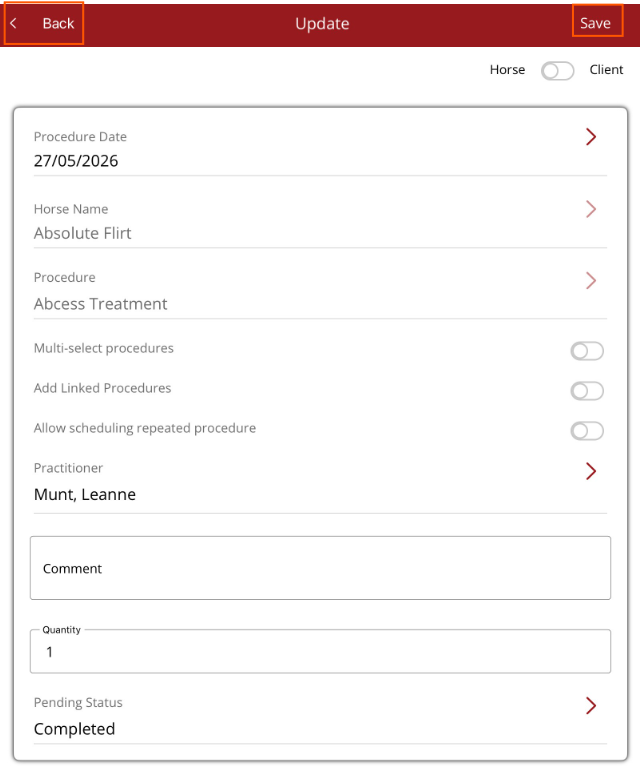
Tap on the procedure to be edited. The Update procedure screen will be displayed.
Make the changes required, then select Save in the top right hand corner. Select Back in top left hand corner to exit the Update procedure screen.