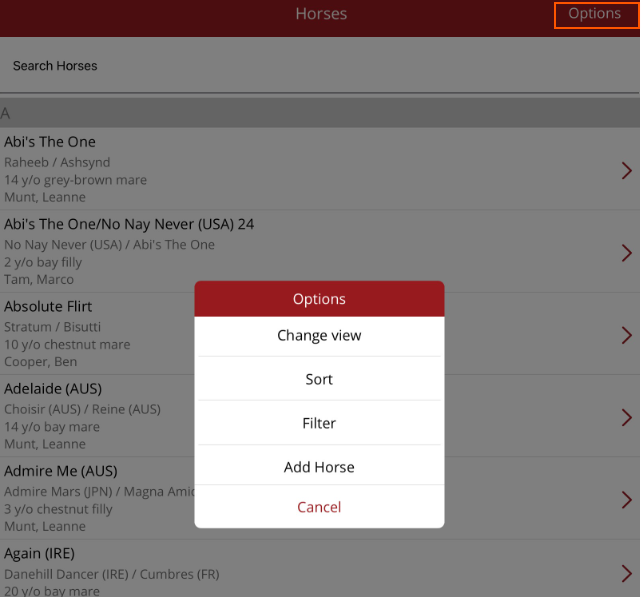
Horse Options menu
In the top right hand corner of the Horse List page you can access Options. Under Options you can:
- Change view - change how you view the horse list (all horses, only horses on farm, only horses spelling or training etc.)
- Sort - Change how the horse list is sorted (Name, Sire, Dam, Owner, Age)
- Filter - Filter the horse list based on certain criteria
- Add Horse - the option to add in a new horse to the database
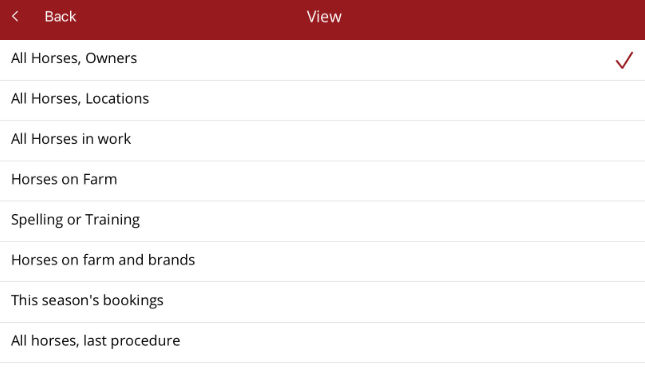
Change View
The views that you can see are set under permissions in Ardex Today. If there is a view you require and don't have access to, please contact your Premier Administrator. This can be changed by Support at Ardex Technology.
A view is a different type of horse list. By default your view will default to the first view you have been given access to - in most cases this will be All Horses, Owners. You have the option to change the view. You can view horses such as those in work or only those on farm depending on the permissions that you have.
If you click on Change View all views you have permission to see will be displayed.
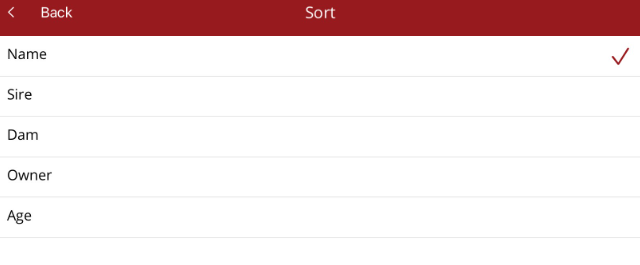
By sorting the horse list it can make it easier to find the horse you are looking for.
If you click on Sort, the following options will be available.
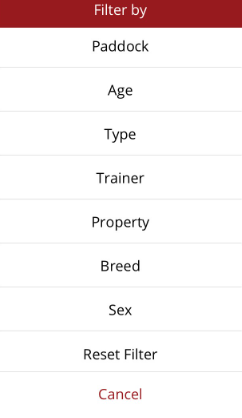
Under Filter, you can add different filters to reduce the list or to see specific information that you need e.g. see all broodmares or all horses being trained by a specific trainer. You can always change or reset the filters to look at another group of horses.
If you click on Filter, you will see these options. If all filters are not displayed, scroll the list up.
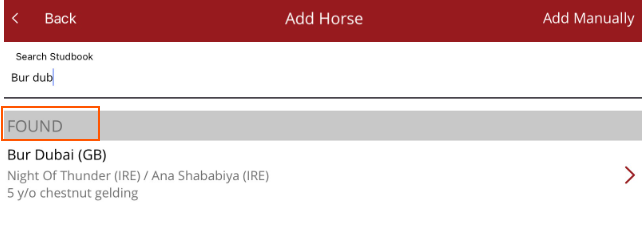
Add Horse
You can add a new horse by searching for the horse in the stud book or by adding the horse manually.
You can also use Add Horse to see if the horse is already in your database. If found, the horse will be displayed in the list.