How to remove work from a horse
Delete work previously added to a horse
If the work previously added to a horse has a linked procedure that has been approved, you cannot remove the work from the horse.
To remove work from a horse, tap on the horse's name on the Work Profile Horse list. The Horse Profile Current Work tab will be opened.
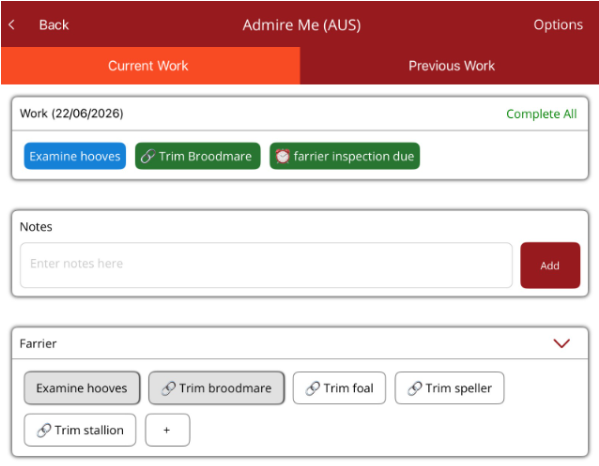
To remove the work, tap on the greyed out work item in the work section. The work is removed and the work item is no longer greyed out.
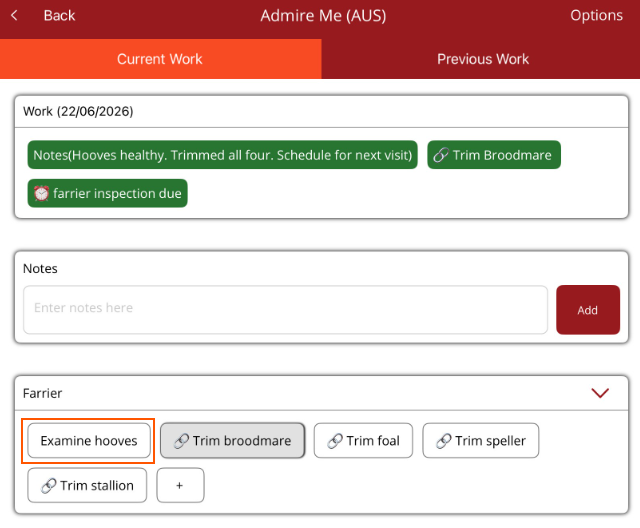
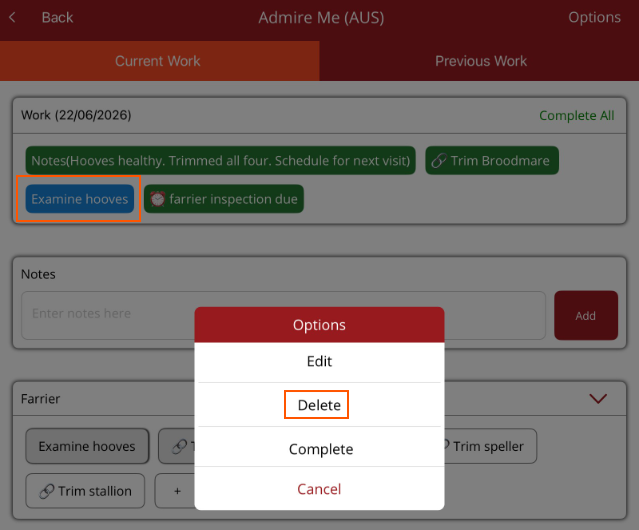
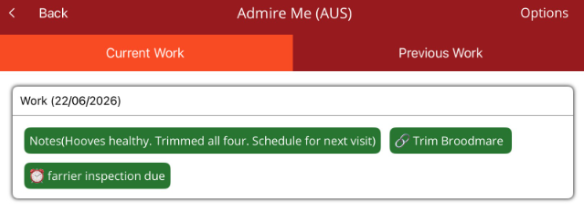
Alternatively, you can tap on the work item in Work and select Delete from the Options menu. The work will no longer appear in Work and will be removed from the horse.