Reload Data
It is important to keep the data in the mobile app up to date. If you have not reloaded your data within the last 24 hours then the system will prompt you to reload data.
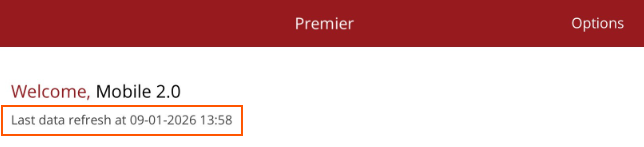
To see when you last relaoded your data, look at the top of the Home page, under your user name.
You can only reload data if you are on a WiFi network or have acces to a 4/5G network.
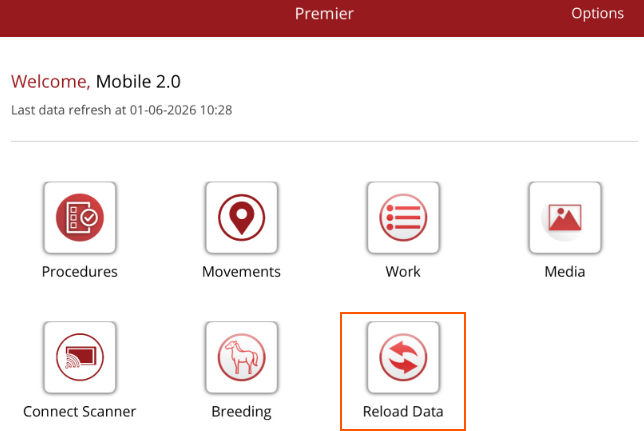
To update the data on your mobile app, select Reload Data on the Home page.
The app will go back to the loading page and reload your data. This will bring across changes made in Premier and update the mobile app.