How to delete a work item
Delete work items that are no longer needed
On the Horse Profile Current Work tab, under a work section, if an existing work item is no longer needed, the work item can be deleted.
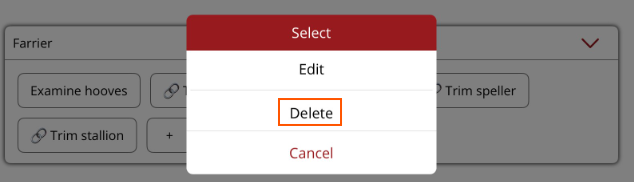
- Hold down (don't tap) on the work item and a menu will be displayed.
- Select Delete from the menu.
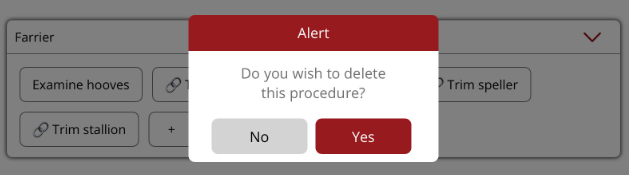
- An alert will be displayed to confirm that the work item should be deleted. Select Yes and the work item will be removed from the work section.