Shortlist Planner
Shortlist and manage when mares need to be served
The Short List Planner is accessed via the Breeding on the Home Page.
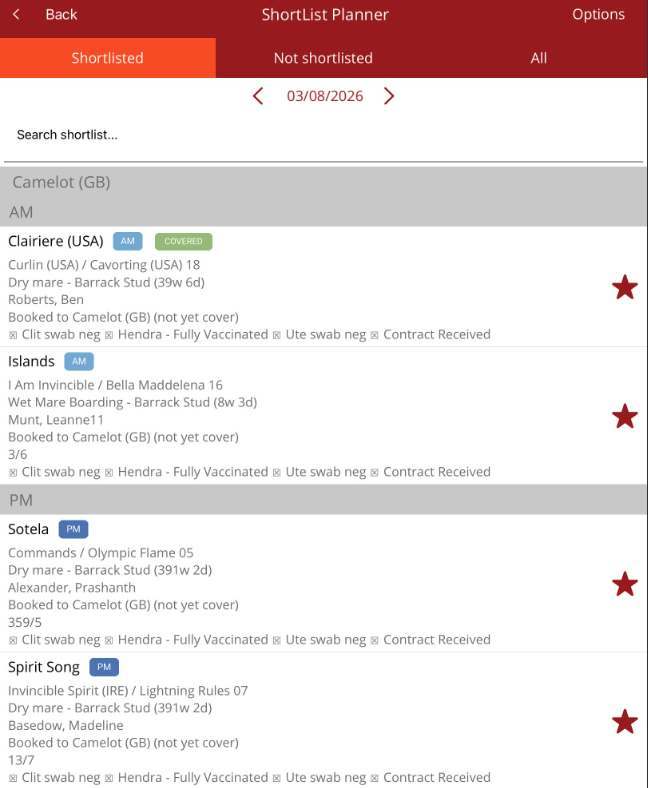
- The planner is broken down into three tabs:
- Shortlisted - shows mares allocated to be served today. This is the default view when you open the planner.
- Not shortlisted - shows mares with a booking that haven't been shortlisted for a date
- All - shows every broodmare with a booking, regardless of status.
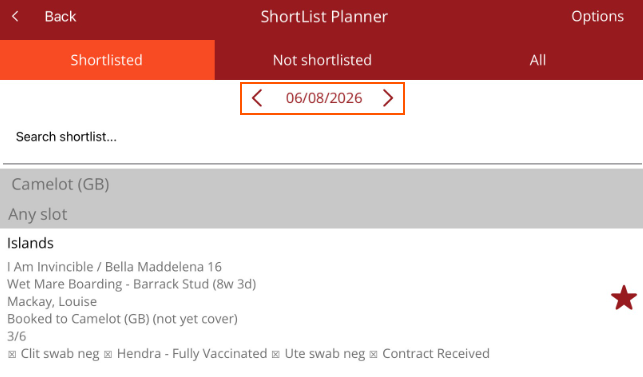
- The date shown at the top of the screen controls which day's shortlist you're viewing. Tap the arrow on the left to go back one day, or the arrow on the right to go forward. The planner always opens on today's date.
- Use the search bar at the top of the list to find a specific mare by name.
- Select the Options menu from the top right hand corner to change the view, filter the list, view the shortlist report or manage procedures to be performed before a mare can be served.
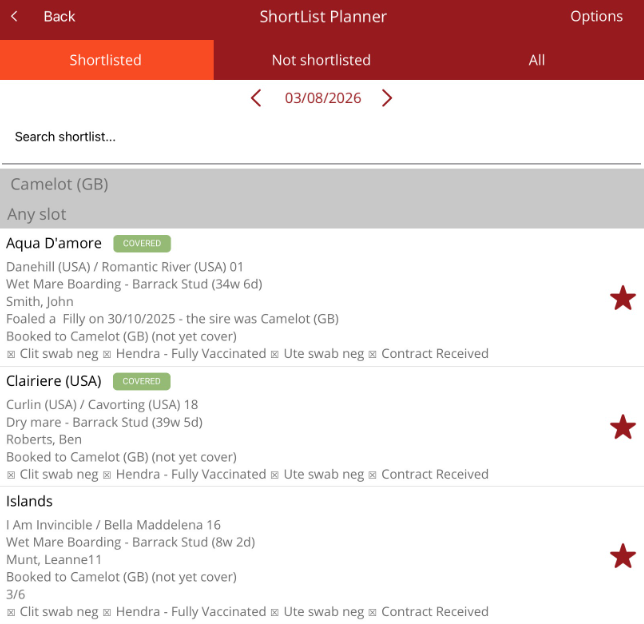
- The star icon on the right edge shows shortlist status. A solid red star means the mare is shortlisted for today.
- An outline star means she hasn't been shortlisted yet. Tap on the star to shortlist the mare for the date you are on.
- The details below the mare's name shows the sire/dam, mare status and location, the managing owner, details of her last service or foaling and stallion she is booked to.
- When a mare is tapped on the list, the mare's option menu is displayed where the timeslot and date to be shortlisted can be managed. The mare's profile can also be viewed.
- A row of compliance checks sits under the mare's details. A tick means that the procedure has been completed. These procedures can be managed via the Options menu - Procedure Settings.
- A missing tick means the item hasn't been recorded yet and may need to be resolved before the mare can be served.
Swipe gestures
Once the mare is shortlisted, you can swipe directly on the mare on the list to perform certain swipe gestures.
- Swipe right - select AM or PM for when the mare should be covered
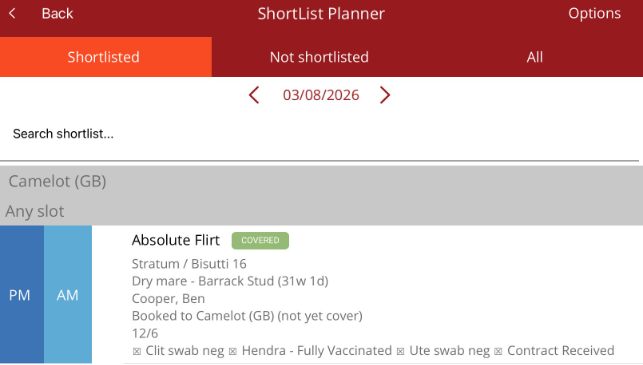
When AM or PM is selected the tag will appear on the list for the horse. The list can also be filtered by AM or PM under the Options menu Filter - Push Period
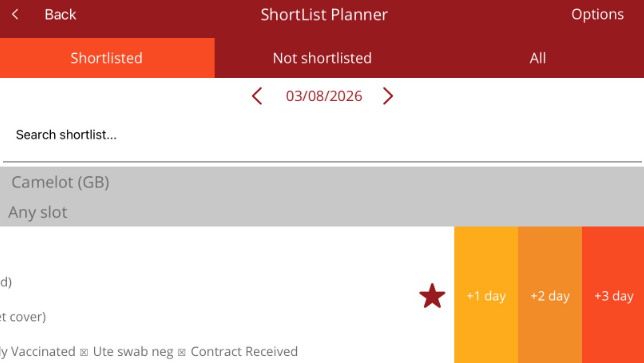
- Swipe left - move the mare up to 3 days from today.