Accessing the new Premier mobile app
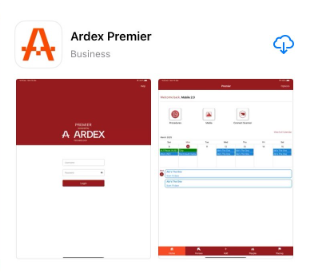
If you already have a Premier Mobile app username and password, go to the App store or Google Play store and search for Ardex Premier. Check the app is displaying the new Ardex logo and has the app name 'Ardex Premier'.
Once downloaded, you can use your Premier Mobile app username and password to log into the new app. If you can't remember your username or password, please contact Ardex Support at support@ardex.com.au
If you are a new Premier Mobile user you will need to be added to the system before you can access the mobile app. Contact Ardex Support to have an app login setup in your name, and your database administrator should also add you to Settings -> Options -> Employees as well.