How to reset filters
Reset one or all filters
Once a filter has been added, they can be reset from the Options/Filter menu under
- Horses
- Full Calendar
- Full calendar - Agenda List
- Procedures/Procedure Schedule
- Procedures/Unapproved Procedures
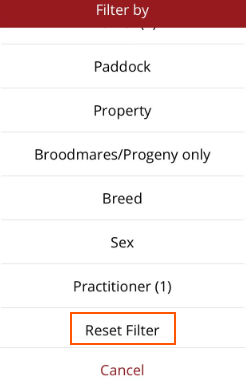
To reset all filters, scroll to the bottom of the Filter options and select Reset Filter.
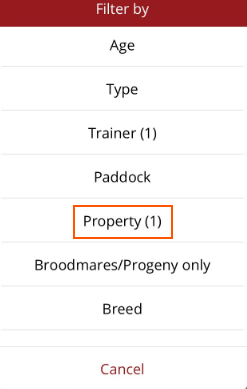
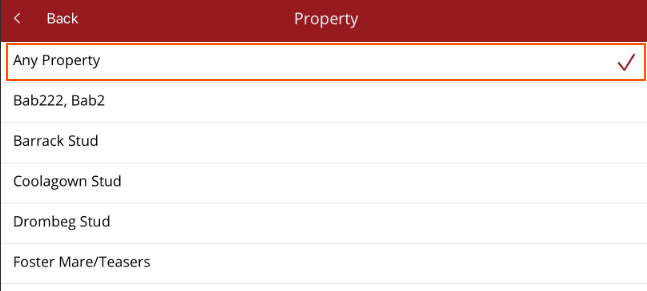
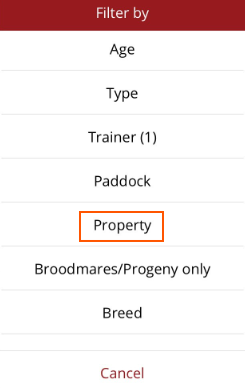
To reset one filter, select the filter from the menu then select the default filter at the top of the list e.g. if a property filter was set, go to Options/Filter, select Filter then select Property (1). Select Any property and the filter will be reset. The remaining filters will not be affected.