Add multi-day procedures under horse profile current work
Add a procedure for a horse over several days
Multi-day procedures can be added under the Horse Profile Current Work tab. Go to the Options menu in the top right hand corner and select Turn On Multi-Day Procedures.
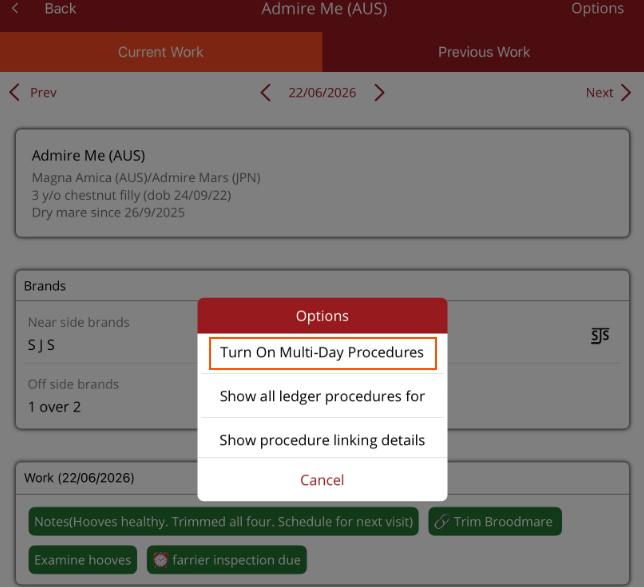
Note - The Multi-Day procedures will remain on until you go to the Options menu and select Turn Off Multi-Day Procedures
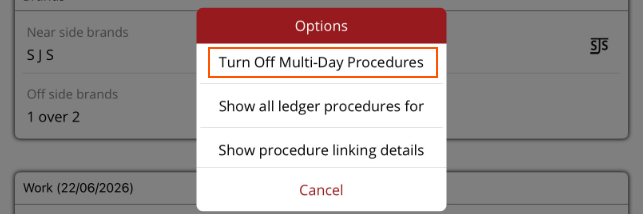
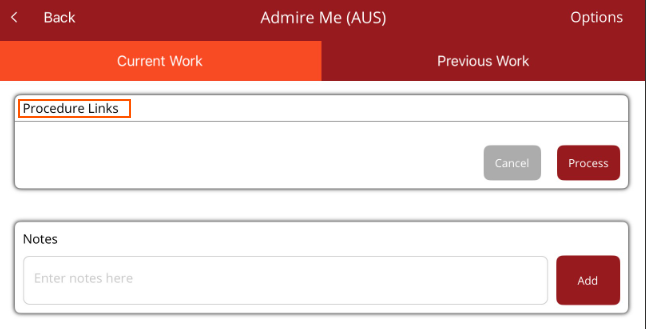
The Procedure links section will be displayed.
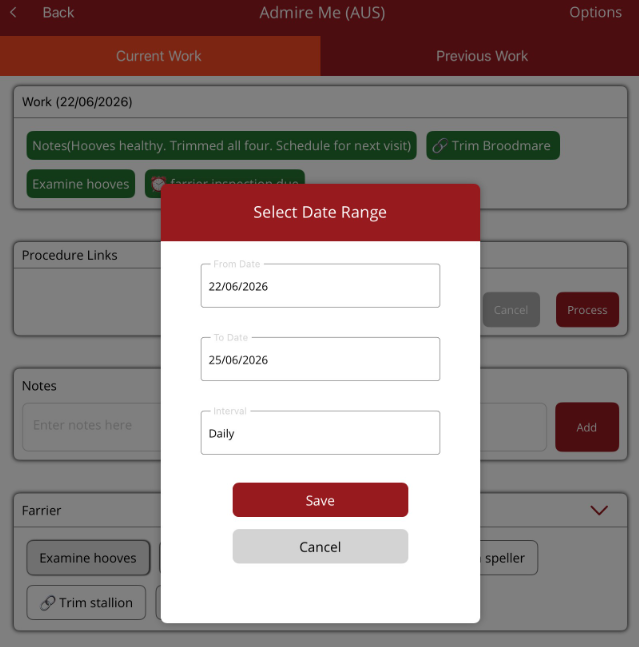
Select the work item to be added over multiple days. The multi-day modal will be displayed.
- From date - the first day the work will be done
- To date - the last day the work is to be added to the horse
- Leave interval at Daily then select Save.
Review the work items added. If changes are required, select Cancel. To save the work items, select Process.
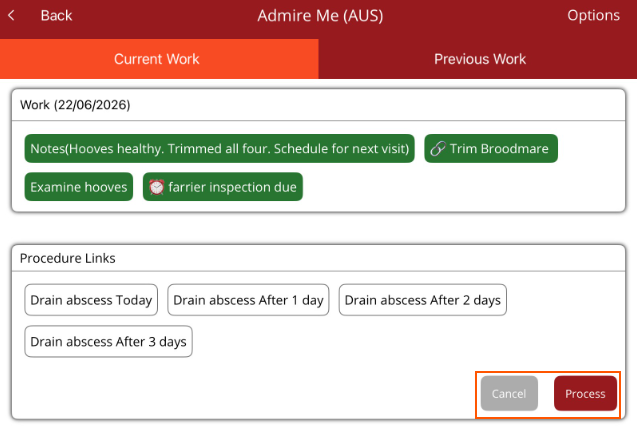
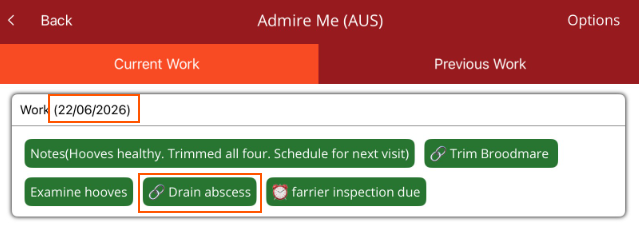
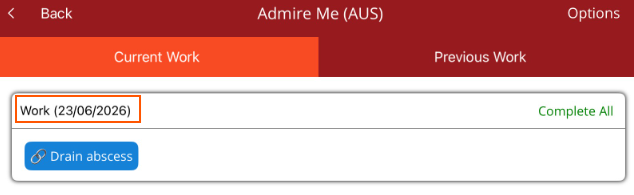
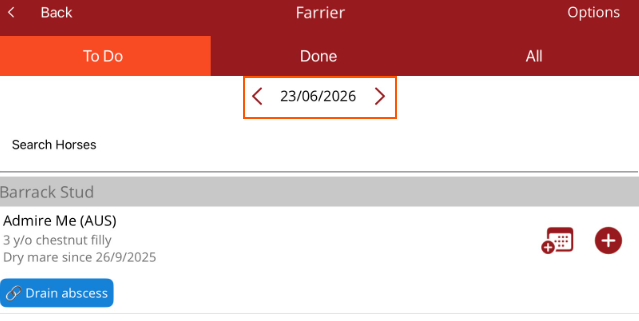
The work will be marked as completed for today and appear scheduled for consecutive days under the Horse Profile Curent Work tab as well as on the Work Profile Horse List To Do tab for each day.