How to edit a person/entity's details
Update an existing person and make changes to details
From the Person profile page under People on the bottom navigation menu, select Edit from the top right hand corner of the screen.

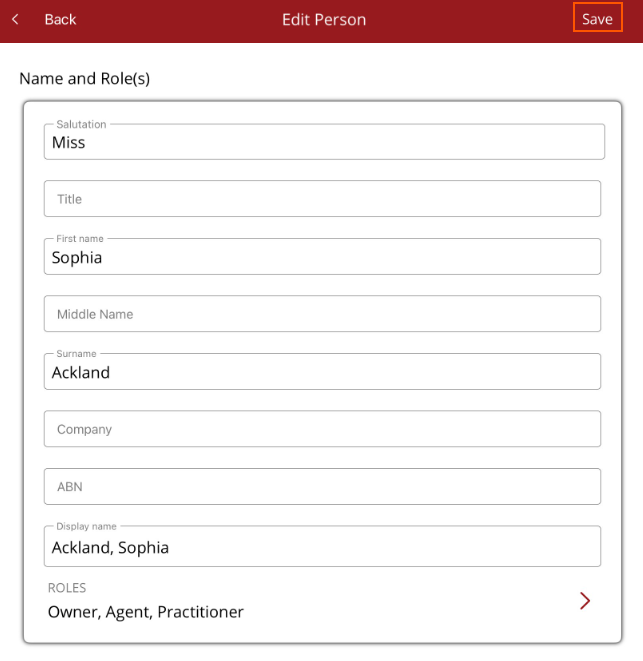
The Edit Person screen will be displayed. Scroll down through the edit screen and make the necessary changes. Select Save from the the top right hand corner to save changes and return to the Person profile page.