How to add a share to a horse
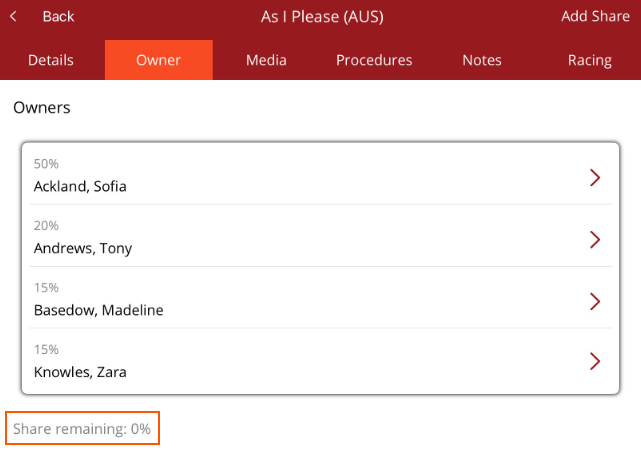
Under Horse/Horse Profile/Owner tab, you can add new shares to a horse. First check that there are shares available to be bought in the horse. If the shares remaining is 0%, then a share will have to be sold from an existing owner.
Remember when adding new shares
- A horse must have 100% ownership otherwise billing cannot occur
- 100% of shares must have the same date. If you sell 50% one day then 50% a few days later and there are procedures added to the horse in between, ownership will show as 50% and billing will not occur.
- The purchase date indicates the date the new owner will become responsible for the financial costs for a horse.
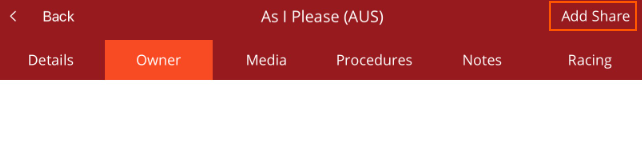
If there are no owners, the screen will be blank. Select Add share from top right hand corner.
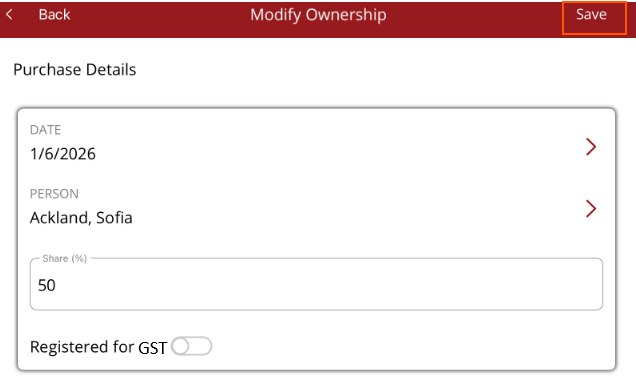
- Add the date billing will start for the new owner
- Select the owner
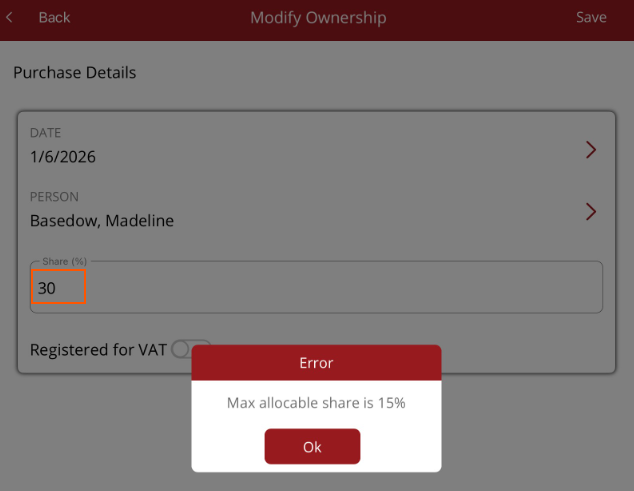
- Enter the share percentage
- If they are registered for GST/VAT, switch the toggle on
- Select Save.
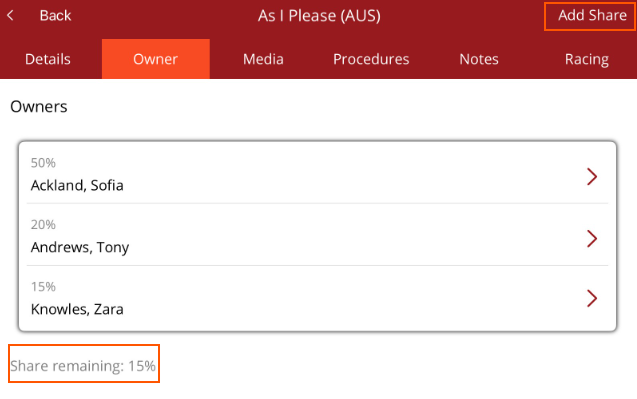
If a horse does not have 100% of its shares sold, select Add share and follow the same process only up to the amount still remaining. eg Share remaining: 15% the system will not let you add a share percentage higher than that.
Once all shares are added the share remaining should be 0%.