How to log onto the mobile app
How to log in
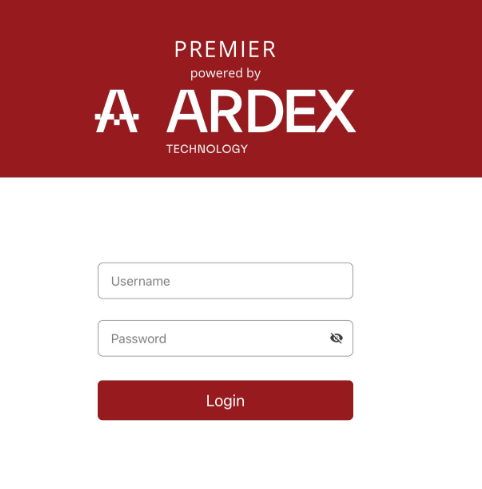
After you have downloaded the app, enter your username and password (provided to you by Ardex Support) to access the mobile app. You can change your password once you have logged in.
If you have forgotten you username and/or password. please contact Ardex Support at support@ardex.com.au and a password reset email can be sent to you.
If you have not set a pin before, you will be prompted to add one now. You can set the pin when logging in or you can do this later on the home page under Options/User Profile. This allows for quick opening of the app in future (no password input needed).