How to add reports for mobile app users
For a user to have access to the reports, they must be given access via Premier. Only an administrator in Premier can access Employee settings.
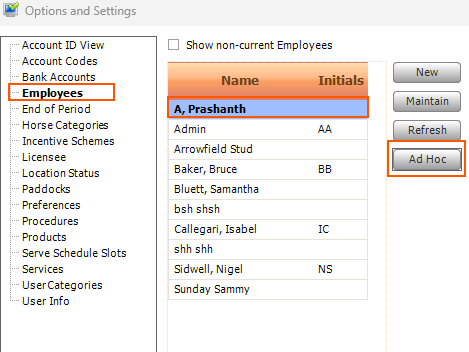
This is done under Settings/Options/Employees. Select the employee then select Ad hoc.
The reports in your database will be displayed. Select the reports the user can have access to then Close to save the changes.
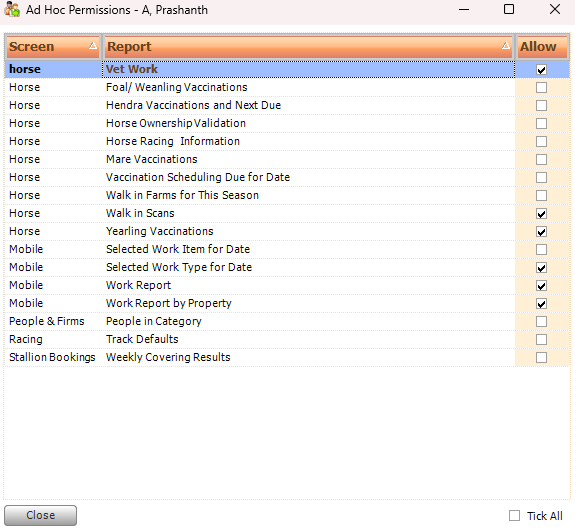
The reports will then be visible under Reports tab in the mobile app if they are mobile compatible. If a report is missing from the list in Premier, or if it is not mobile compatible (but you want it to be) please contact Ardex Support at support@ardex.com.au