How to add a new horse
You can add in a new horse to your database through Horses Options menu or via the Work Profile Horse List Option Menu.
From the Option menu, select Add Horse. You will then be able to either:
- Search the Studbook for your horse
- Add your horse manually
How to add a horse via the Studbook
To add in a horse via the Studbook, in the search field type the horse's name or the Dam name then click the search button.


If the horse does not exist in your database either the horse will be FOUND BY NAME or FOUND BY DAM. Tap on the horse that you want to add.
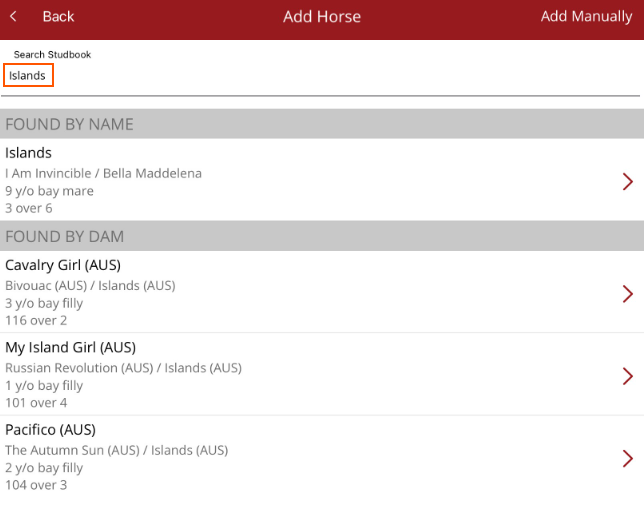
You will be asked if you want to add the horse. Select Yes

Select the horse type.
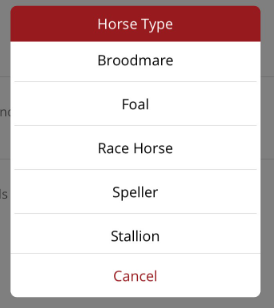
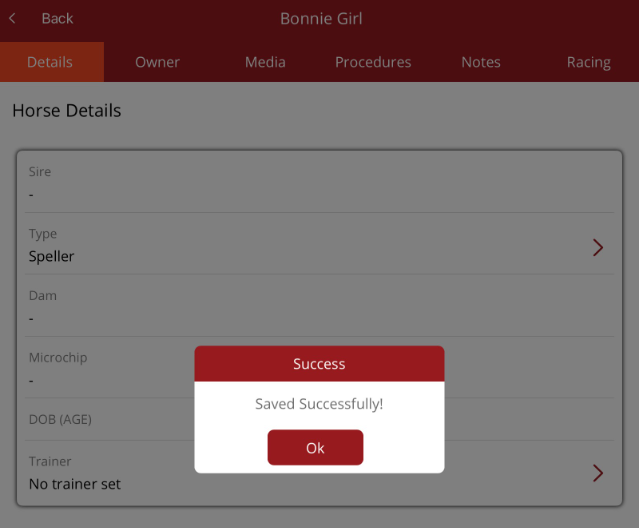
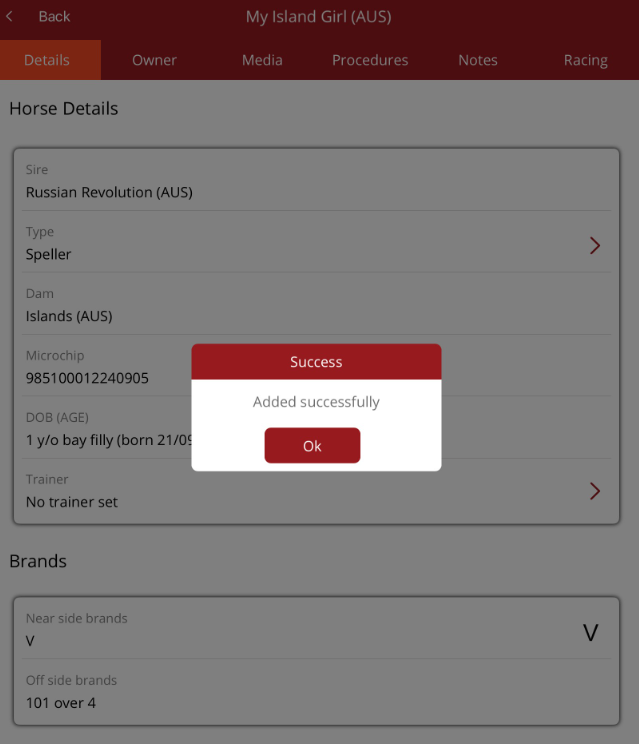
After selecting the horse type you will be taken to the horse profile. Select OK to continue.
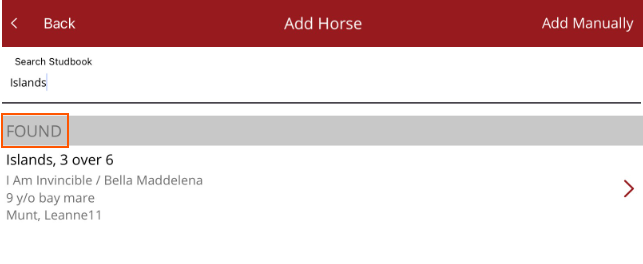
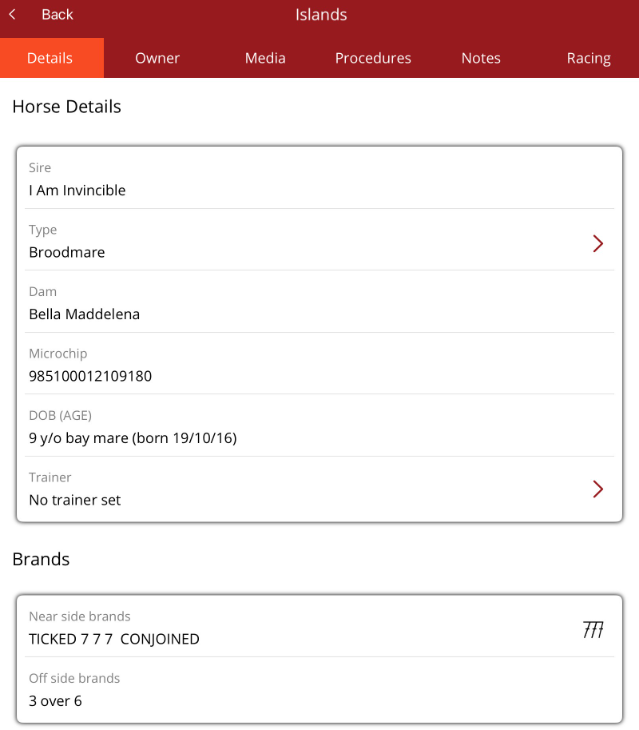
If the horse does exist in your database, when you type the horse name the horse will be displayed as FOUND.
How to manually add a horse
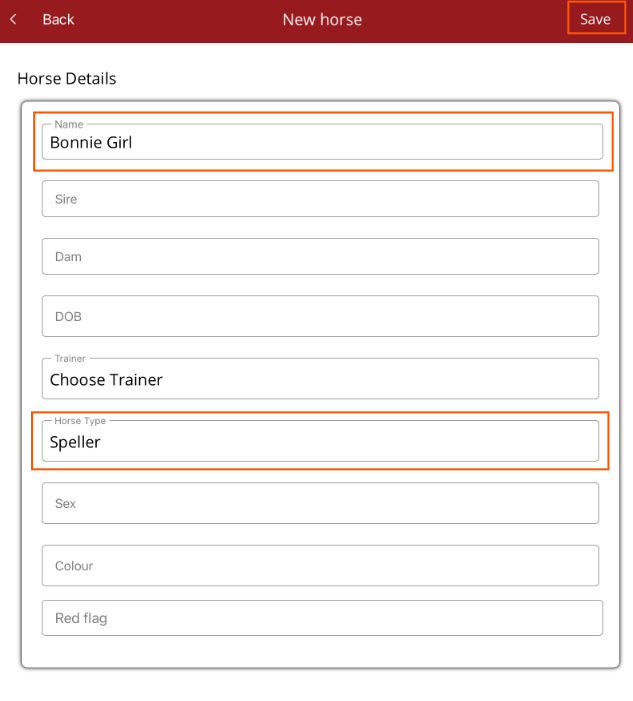
If the horse is not in the Studbook, you can add the horse manually by tapping on Add Manually.

You will then be taken to the New Horse screen. Fill out the form with known details. The only mandatory fields are the horse's name and horse type. Once the horse details are entered, select Save from the top right hand corner.