Connecting and using the scanner to find horses
On the Home Page select Connect Scanner.
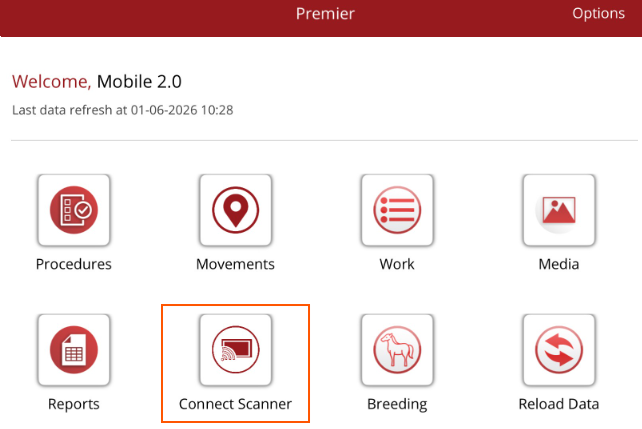
Make sure you scanner is in pairing mode. Your device will search for the scanner to connect to.
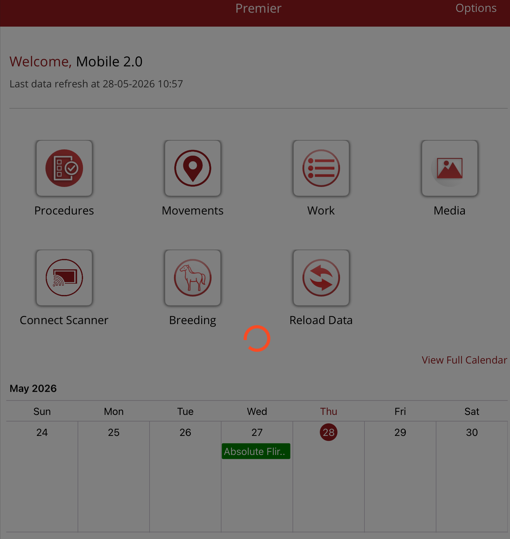
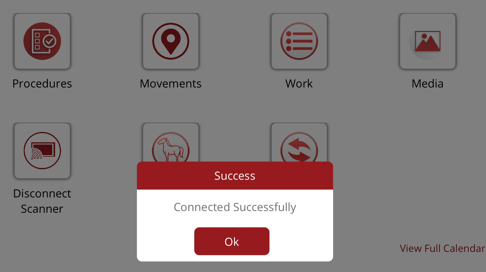
Once connected, you will receive a connected succesfully message.
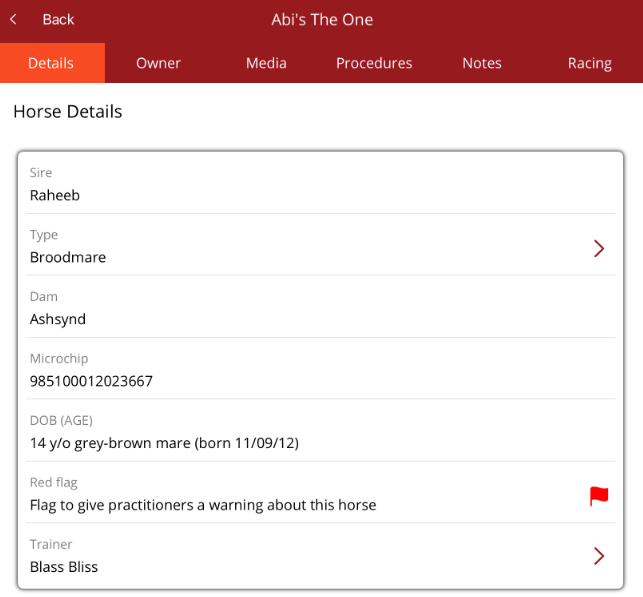
Scan the horse's microchip. If the horse is found on your db the horse profile page will be displayed.
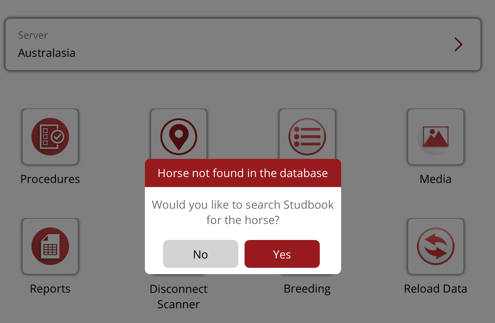
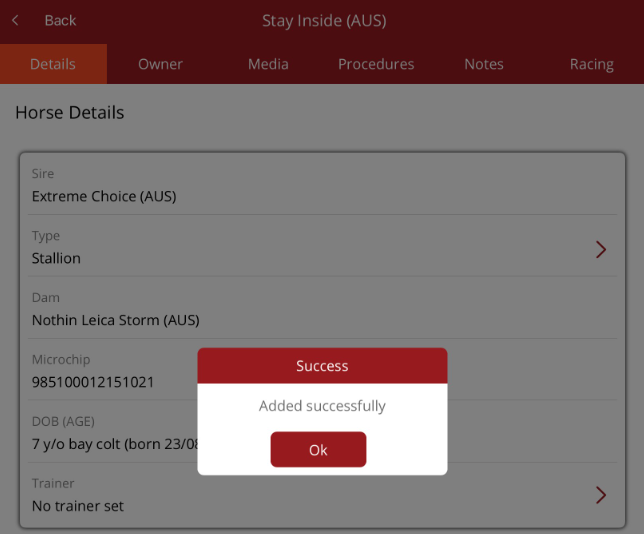
If you choose Yes and the horse is found on the studbook you can add it the same way you would if you adding a horse through the mobile app. Tap on the horse name then follow the steps to add the horse
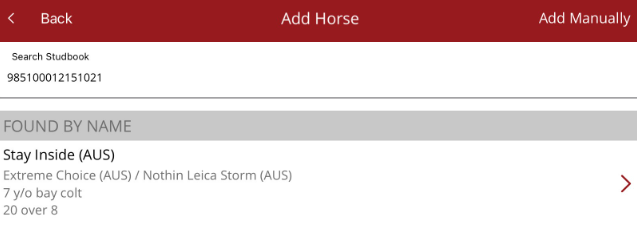
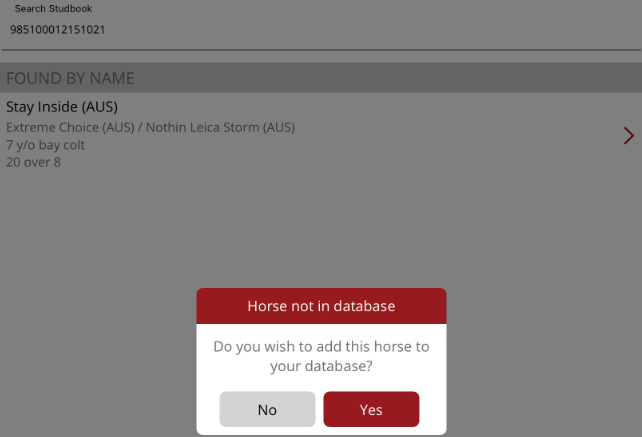
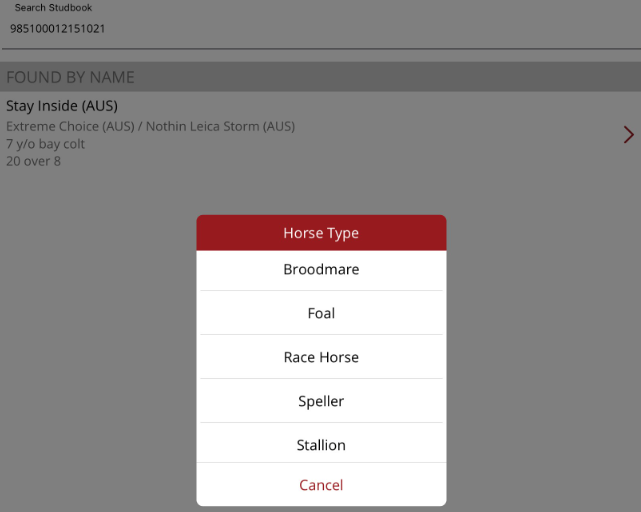
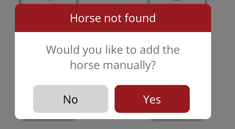
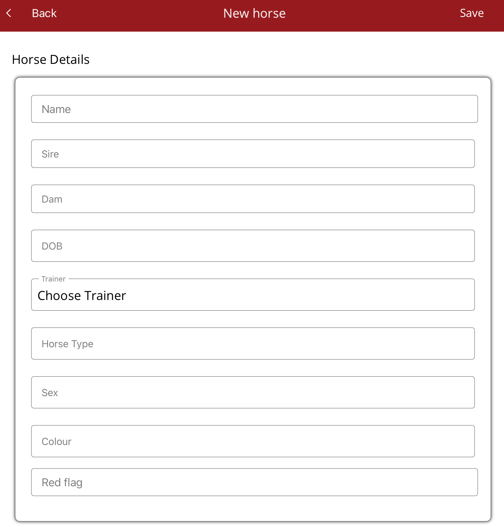
If the microchip is not found on the stud book you can add the horse manually.
When you have finished scanning the horses, you can go to the Home Page and select Disconnect Scanner.