How to edit a work item and link a procedure
Edit an existing work item and link or a change the procedure linked so the owner can be billed
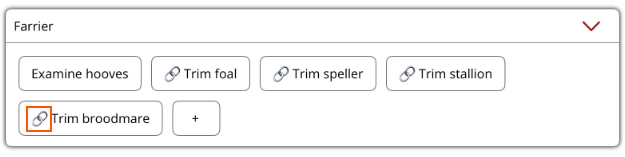
If an existing work item name needs to be changed or a procedure needs to be linked or changed, this can be done under the Horse Profile Current Work tab in the work section the work item belongs to.
To edit an existing work item
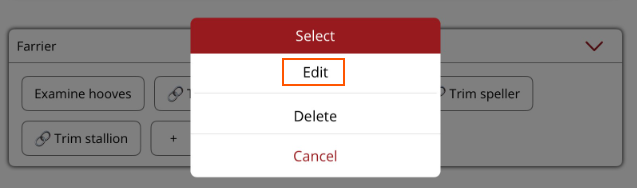
- Hold down (don't tap) on the work item and a menu will be displayed.
- Select Edit from the menu.
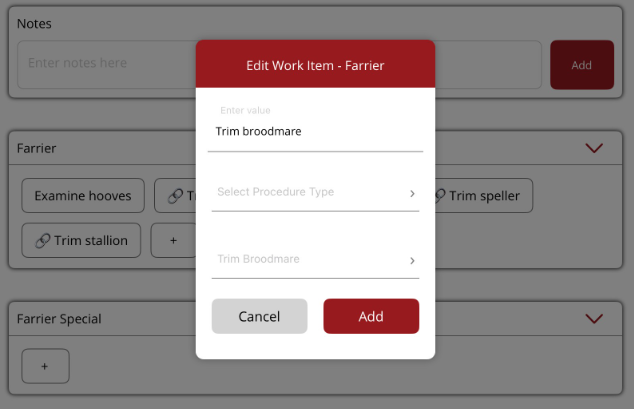
- In the Edit work item modal you can
- Change the work item name
- Add or change the linked procedure
- Choose Procedure type
- Select the procedure to be linked to the work item
- Select Add to save.
Changes will be displayed. If a procedure has been linked the chain symbol will be displayed next to the work item name.