Procedures
View and manage procedures with different options
Access to Procedures on the Home Page is permissions based.
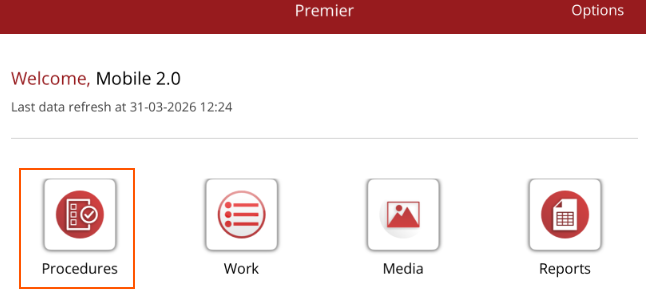
When Procedures is selected from the Home Page, you can set
- Default Practitioner - will set the practitioner filter for task management and automatically add the practitioner to procedures as they are created
- Default Property - will restrict the horse list to only horses on the selected property
- Ledger - if you have access to multiple ledgers under your database, you can select a ledger and only see procedures created under that ledger.
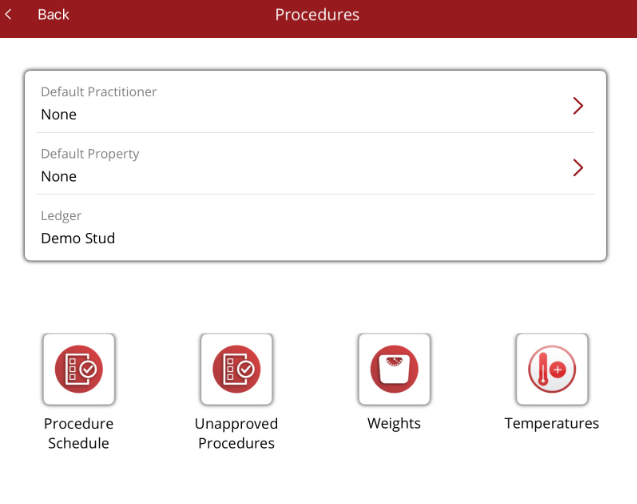
There are different options available depending on your user permissions.
- Procedure Schedule - shows scheduled procedures and completed procedures
- Unapproved Procedures - procedures not yet approved in the Premier database
- Weights - quickly add a weight to a horse. A Weight procedure will be created in the background
- Temperature - quickly add a temperature to a horse. A Temperature procedure will be created in the background
The Quick add menu on the bottom navigation menu allows you to add a procedure.