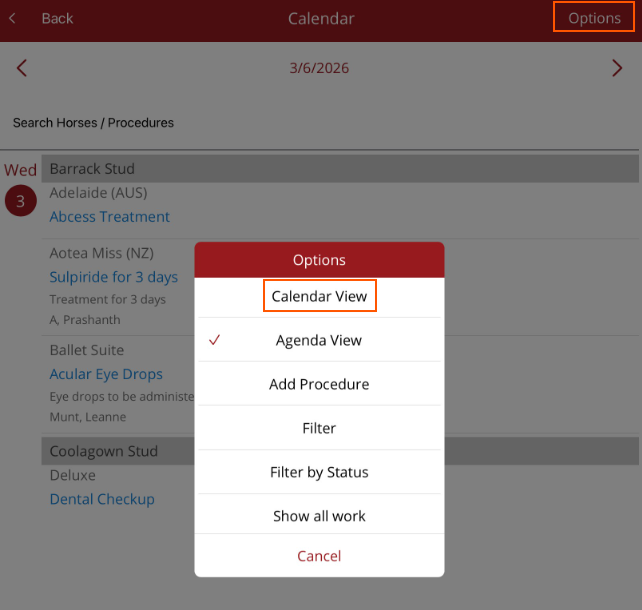
Calendar Agenda View
This view lists procedures for one day selected in the Full calendar
The Agenda view displays procedures for the day selected on the Full Calendar in a list view making it easier to read the horse name and allocated procedure(s). The list is in location order then sorted in alphabetical order by horse name under each location.
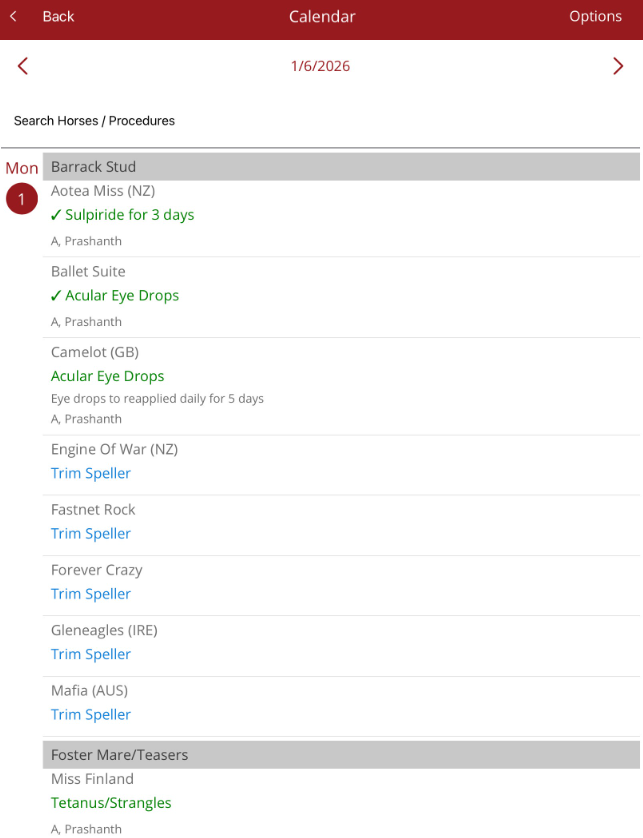
The date can be changed by tapping on the arrows next to date (go forward or back a day).

The Calendar Option menu is also available on the Agenda view.
The list can be used to assign practitioners to procedures for task management. When an unapproved, scheduled or cancelled procedure is tapped, the Update Procedure screen is opened so changes can be made.
To return to the Full Calendar select < Back in the top left corner or select Calendar view under the Options menu.